First, get Signal.
It’s the messaging app we use for your welcome, setup, and support.
Get Signal for iPhone ↗Opens Signal’s official download page. Install it on your phone first.
Let’s get you connected. Start with Signal so Martin can help you get set up, all in one conversation.
It’s the messaging app we use for your welcome, setup, and support.
Get Signal for iPhone ↗Opens Signal’s official download page. Install it on your phone first.
Open Signal on your phone and finish setting up your account.
Already use Signal? You’re ready for the next step.
Tap below to open our Signal chat, then send a quick introduction.
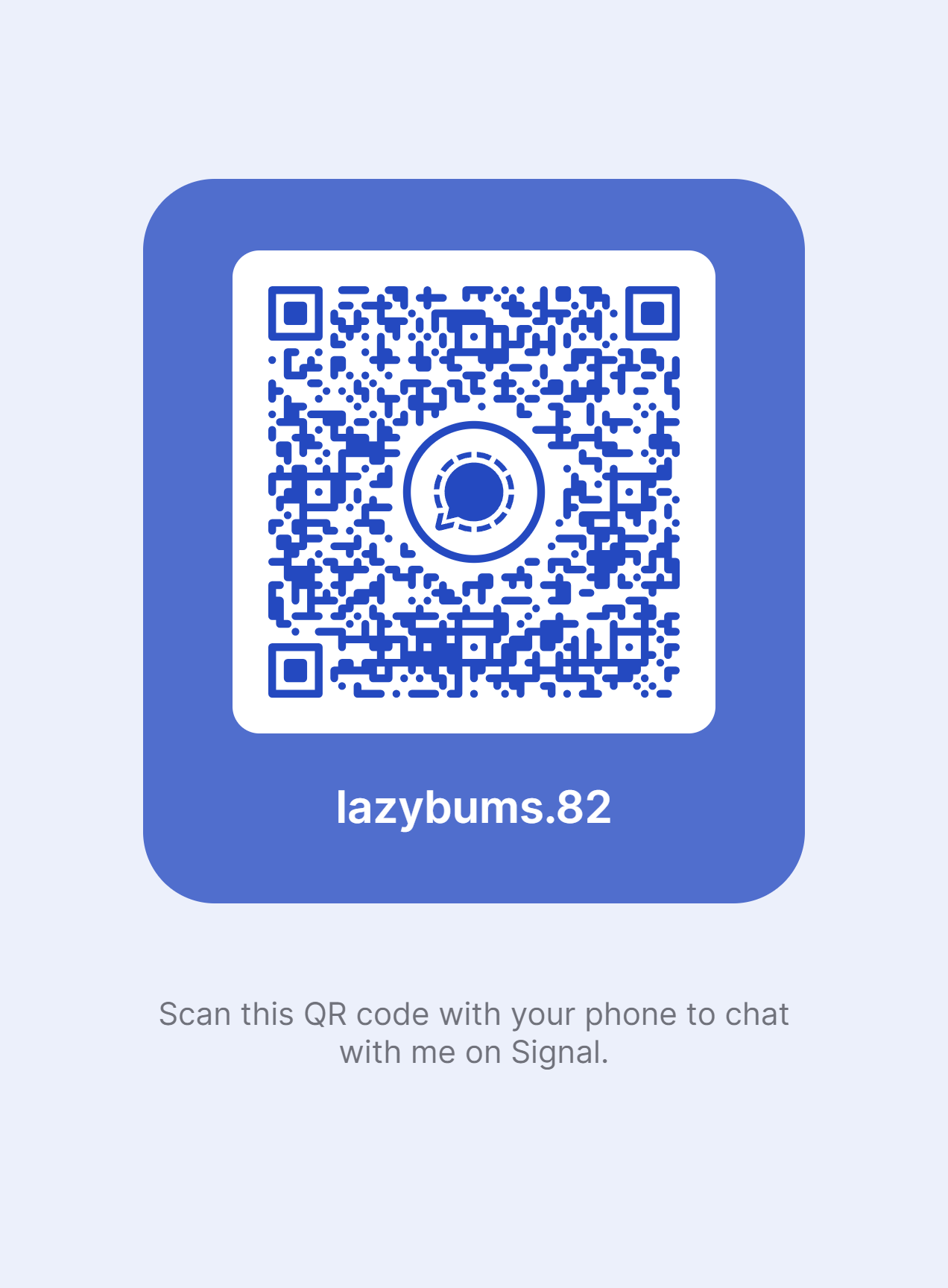
Message Martin on Signal ↗Scan this code with your phone after installing Signal, or start a new chat in Signal and search for the exact username below.
Martin takes it from here.Once your message arrives, he’ll reply in Signal with your personal setup link. No server access is activated on this page.